Enabling KS Assistant Cloud
- In KS Assistant, go to Settings > KS Assistant Cloud.
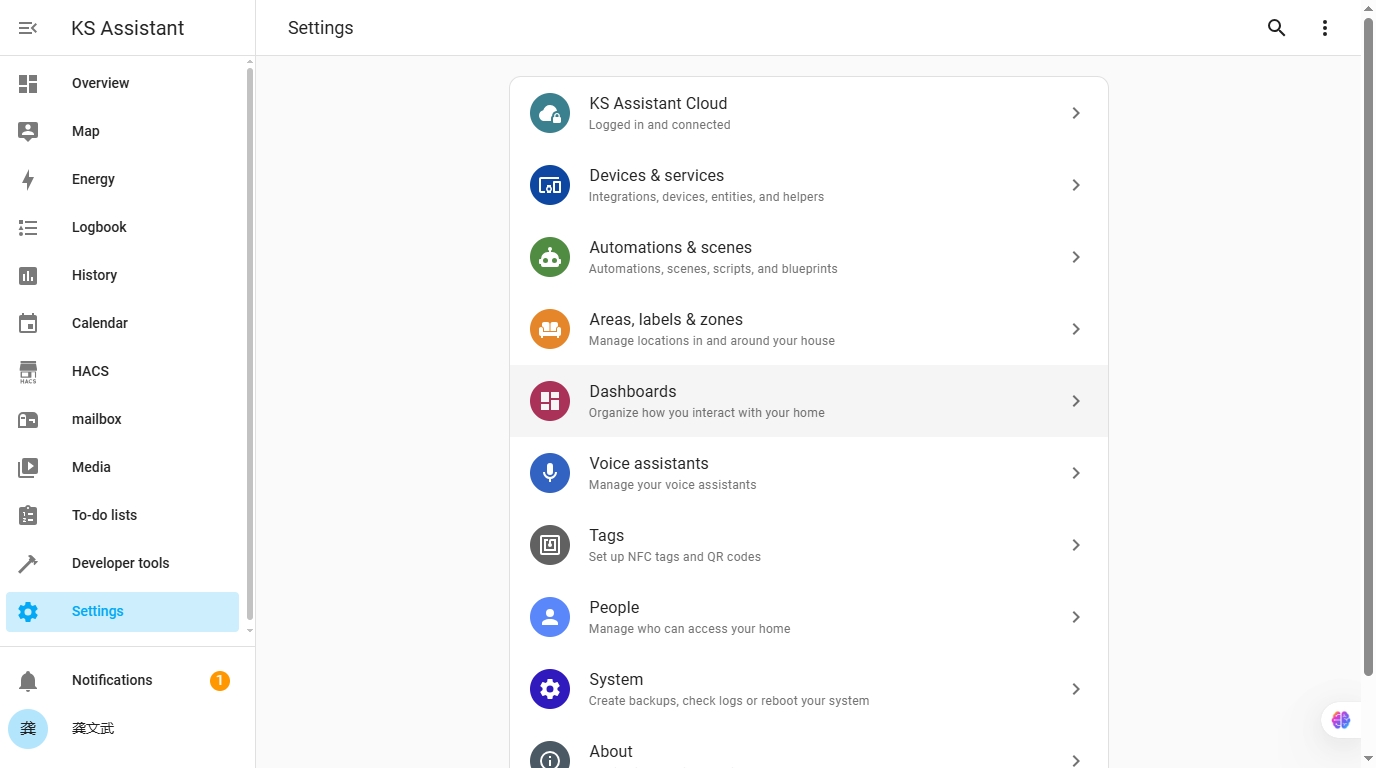
If you do not see KS Assistant Cloud under Settings, you might have removed the default_config integration from your configuration.yaml.
Add cloud: to the configuration.yaml file.
# configuration.yaml entry to enable the cloud integration
cloud:-
If you already have an account, sign in.
- The account name is case-sensitive.
-
If you do not have an account yet, start a trial:
- Select Start your free 1 month trial.
- To create an account, enter Email address and Password.
- Select Start trial.
-
Under Settings > KS Assistant Cloud, you should now see that you are connected to KS Assistant Cloud.
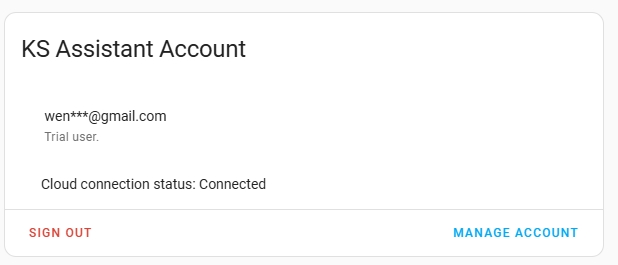
-
That's it. You are ready to go with KS Assistant Cloud.